


The Customer Portal is a way for you to offer support to your customers. Through the portal your customers can read through the Knowledge Base and submit cases.
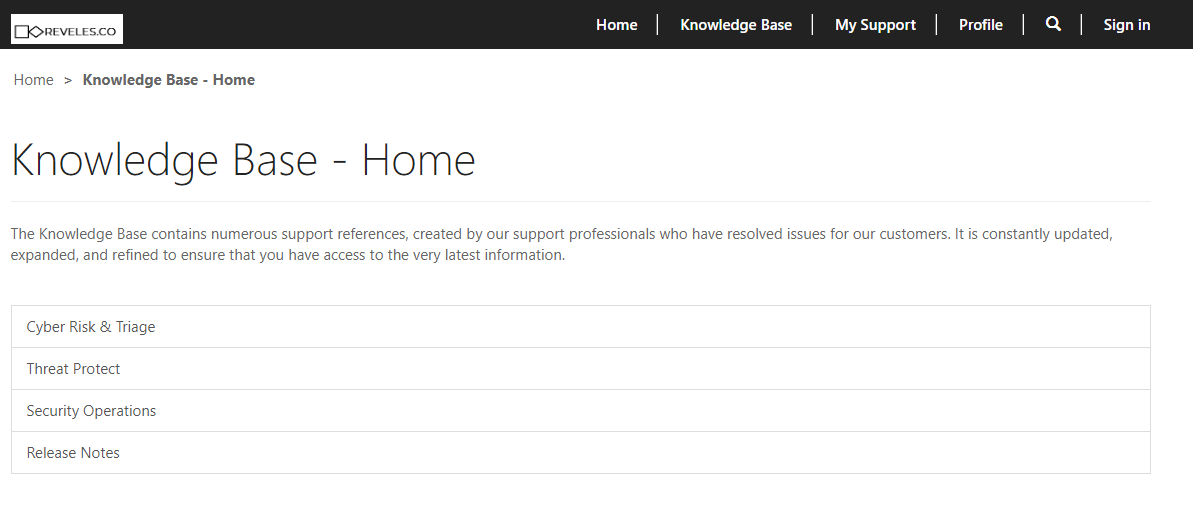
The Knowledge Base is a collection of knowledge articles created by you to assist your customers. They can be made visible to everyone, regardless if they have an account with you or not. A robust Knowledge Base is the first step in deflecting support cases. The articles are organized into Categories created in SuccessStack and will serve as an index for navigation. Knowledge Articles have built in analytics that let you know how many times an article has been viewed, if feedback has been submitted, its rating, and if it has deflected and cases. Ratings can be open to all users, regardless if they are authenticated or not. Commenting on articles can be limited to authenticated users, all users, or no one at all.
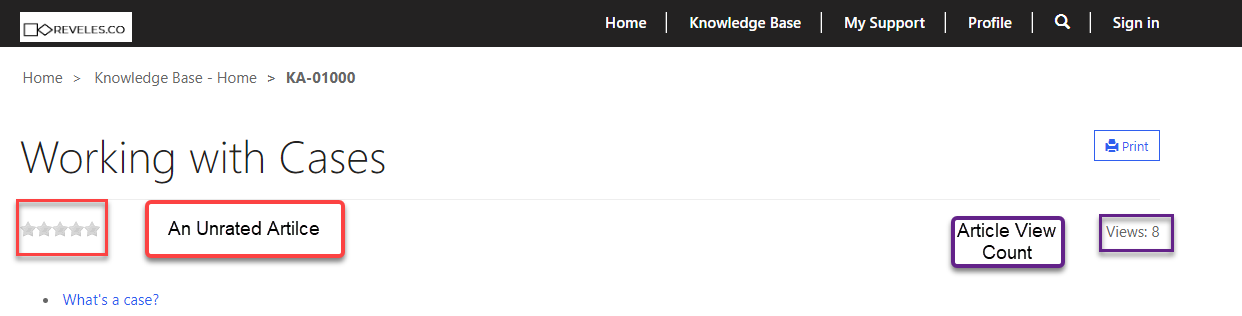
These tools can be used by Knowledge Managers to gauge if an article is being used, needs to be updated, or rewritten entirely.
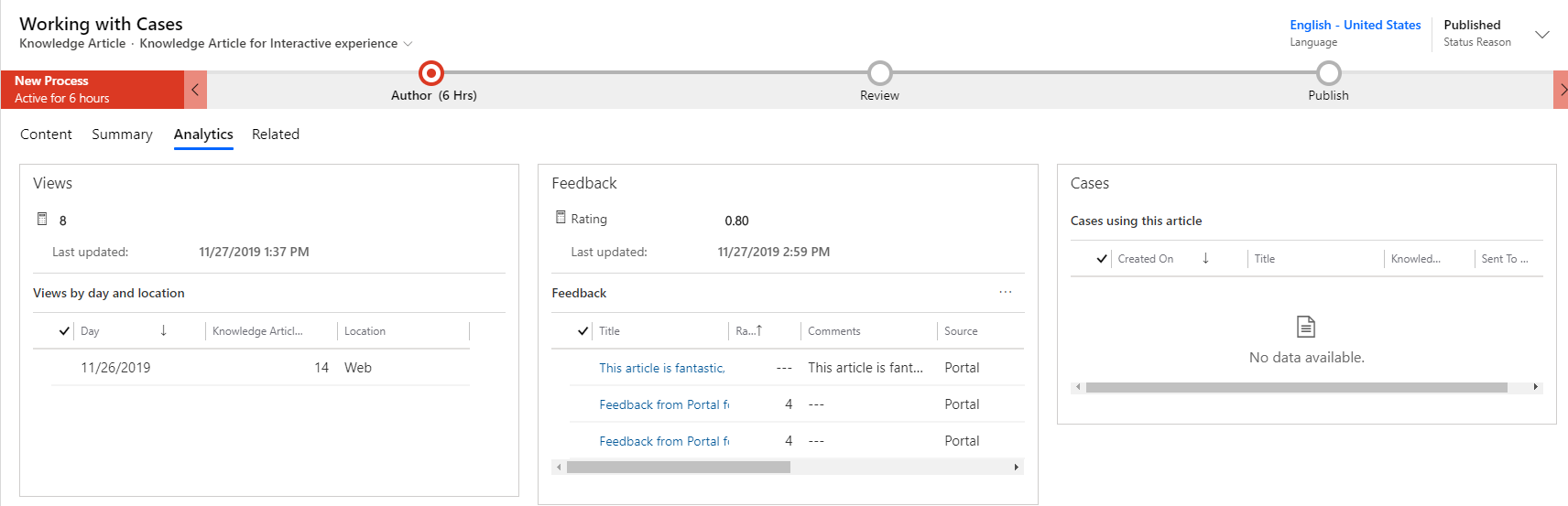
Case deflections is another very handy feature of Knowledge Articles, which will be covered later in the customer support section.
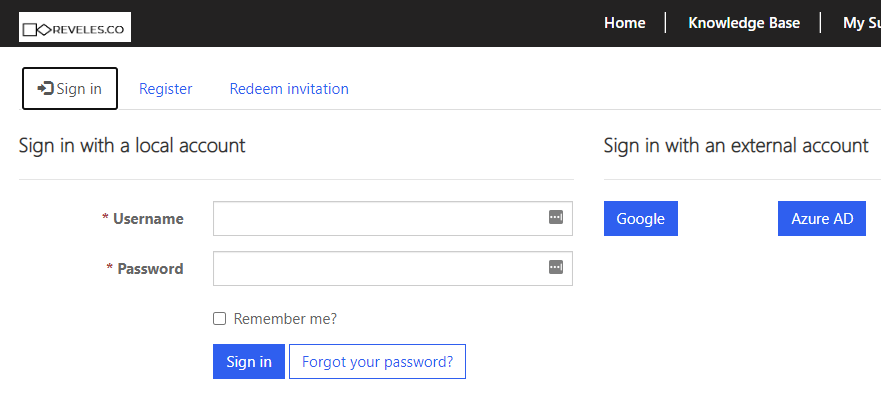
If the customer is unable to find their answer to the queries by perusing the Knowledge Base, they can submit a support case. To do so they will need to sign in. To login customers will need to be extended an invitation by a support representative (see Setting a New User up On Support). Authentication can be preformed by creating a user ID and password, or by using an external authentication system like Google, or Azure AD.
Cases submitted through the portal will take one last shot at resolving the case using knowledge articles. As the customer types in the title of their case, the system will automatically search the knowledge base and suggest relevant articles. If any of these articles solve the customers problem, it will be recorded as a case deflection (for more information see Submitting a Case via a Portal).